Device Guide
The device guide is an extension of the user guide. It gives an overview of supported Nerve Devices and the device specific information that is required for installing and operating Nerve software.
Each device chapter includes the following information:
- Links to documentation material from the manufacturer
- Hardware setup for getting the device Nerve ready
- First steps after the installation
- Overview of physical ports and node internal networking
All devices share the base functionality of Nerve but differ in the extent of functionality.
 |
 s s |
| MFN 200 | MFN 100 Deprecated, do not use for new designs. |
 |
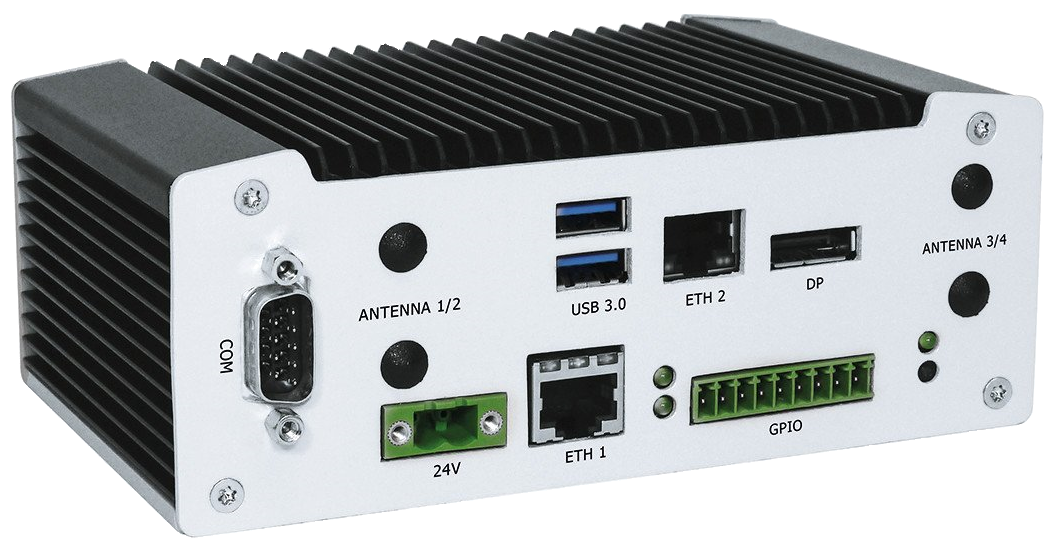 |
| fitlet3 | Kontron Kbox A-250 |
 |
 |
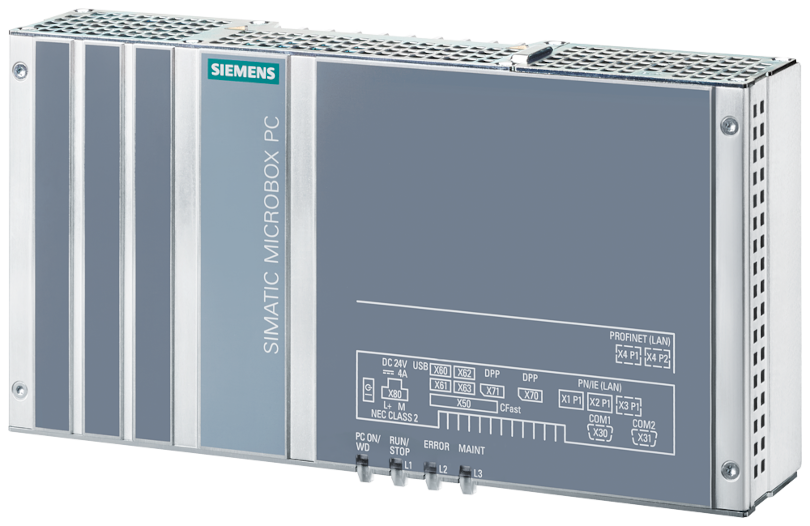
| Siemens SIMATIC IPC427E Deprecated, do not use for new designs. |
Siemens SIMATIC IPC BX-39A |
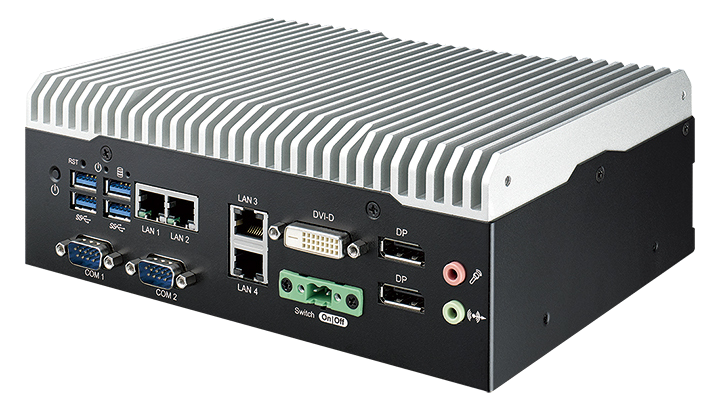 |
 |
| Vecow SPC-5600-i5-8500 | MOXA DRP-A100 |
Installing Nerve
The following instructions guide you trough the installation of Nerve on a supported device from different manufacturers.
Note that in the following instructions <version_number> and <drivename> are used as a placeholders.
To obtain the correct version number for your device, contact sales@tttech-industrial.com or submit a request through the TTTech Industrial support portal. Requirements for installing Nerve on the device:
|
In addition, a workstation is required to prepare the bootable USB drive.
On Windows
- Download the
nerve-node-installer-<version_number>-amd64.img.gzfrom the Nerve Software Center to a workstation. - Extract the
nerve-node-installer-<version_number>-amd64.img.gzfile to retrieve thenerve-node-installer-<version_number>-amd64.imgfile. -
Transfer the extracted
nerve-node-installer-<version_number>-amd64.imgfile to the USB drive using Rufus.Note
Make sure to replace
<version_number>with the version number needed for your device.
On Linux
- Download the
nerve-node-installer-<version_number>-amd64.img.gzfile from the Nerve Software Center. -
Enter the following commands to extract the
nerve-node-installer-<version_number>-amd64.img.gzfile and transfer the extracted file to the USB drive:gunzip nerve-node-installer-<version_number>-amd64.img.gz sudo dd if=nerve-node-installer-<version_number>-amd64.img bs=4M of=/dev/sd<drivename> status=progress syncNote
Make sure to replace
<drivename>with the system name of the USB drive. Make sure to replace<version_number>with the version number needed for your device.
Installation with Secure Boot
For detailed instructions on the installation with secure boot, refer to the Security hardening guidelines.